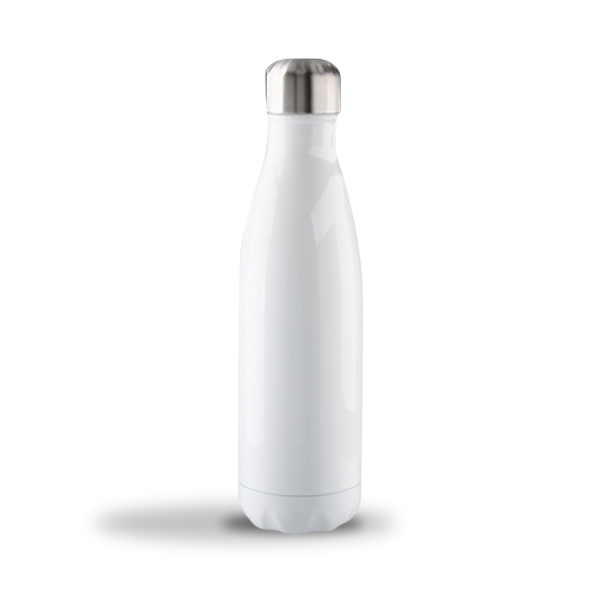
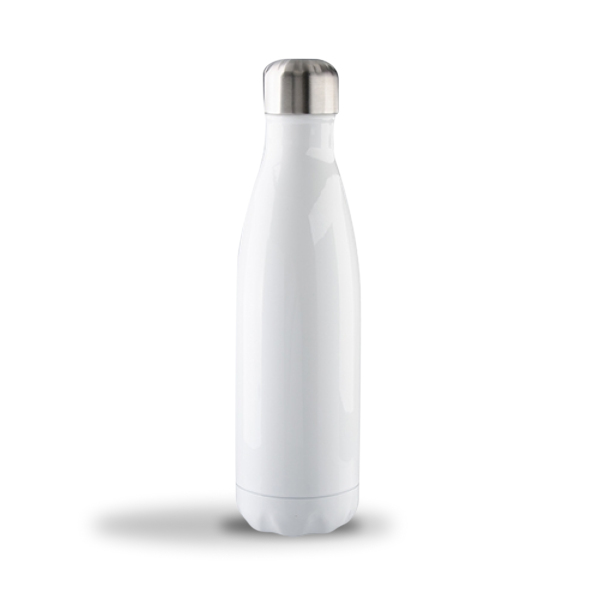
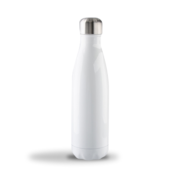
17oz Stainless Steel Bottle Stainless Steel
NOTE: White ink printing is not available for this product.
Sublimation Printing
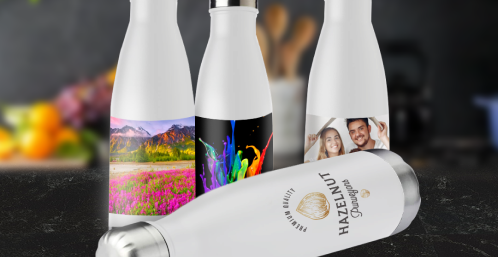
Personalize these metal bottles with our full color sublimation printing. Users will notice the high quality results every time they drink from them!
Safe and Convenient
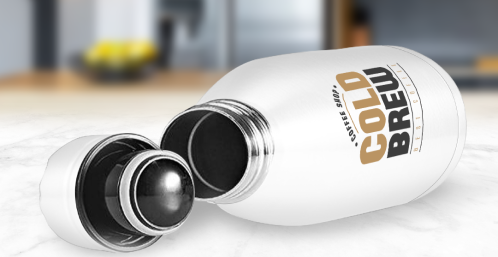
The inside of these bottles are made from food grade 304 stainless steel. Besides being a safe material to store beverages in, it is also easy to clean.
Branded Water Bottles
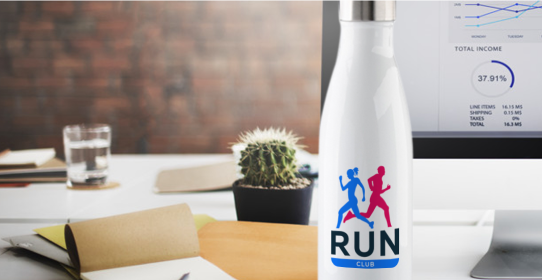
These popular and practical bottles are great for branding, gifting, and giving away. Think trade shows, fundraisers, corporate events, and personal celebrations.
Care Instructions:
This product is dishwasher safe; however, we do not recommend washing it in industrial dishwashers. To prolong its use for as long as possible, we recommend hand washing it when possible.
Artwork Setup Guidess
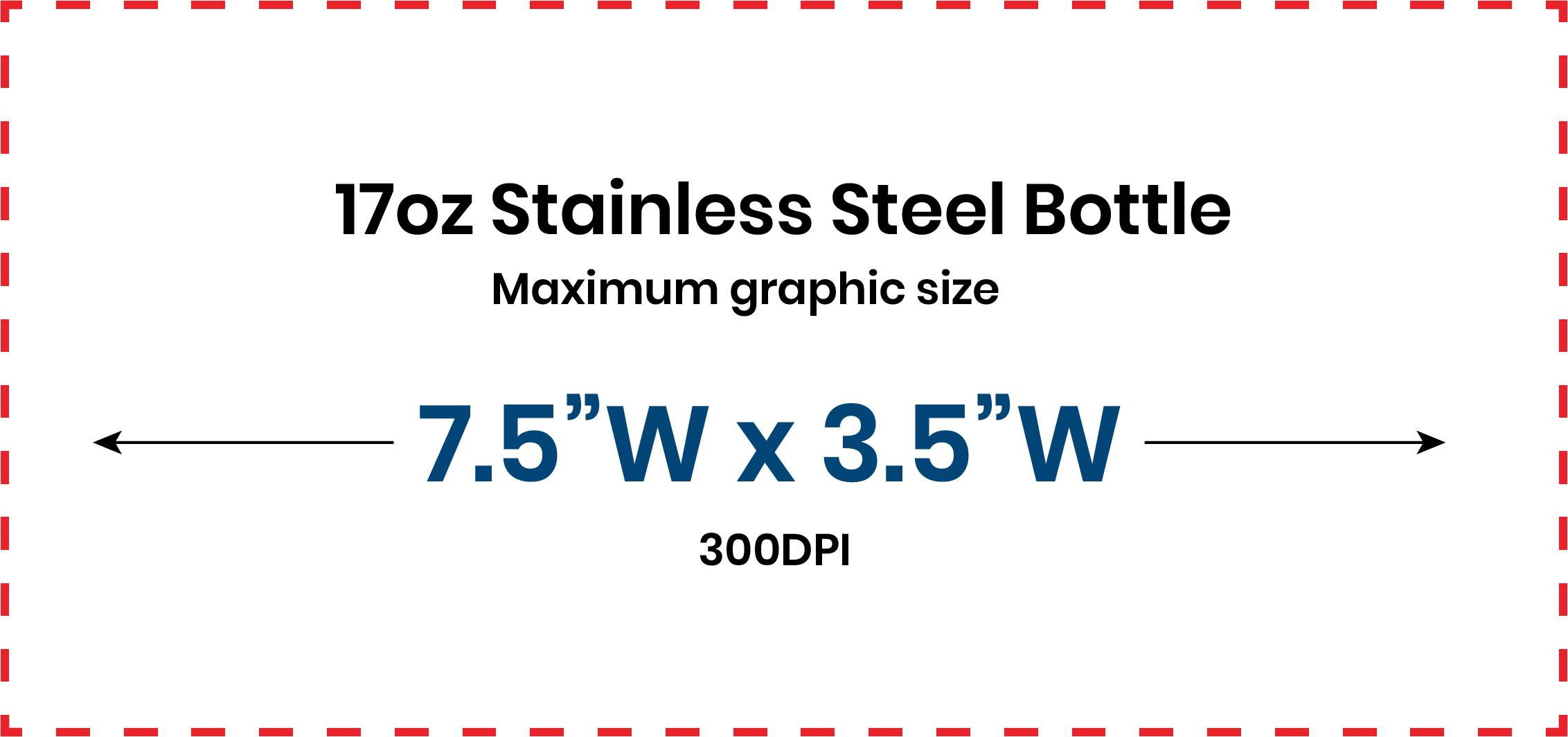
Sublimation Printing Guidelines
1. Create and upload elements of your artwork
For best results, we recommend building your artwork in our mockup generator platform. This means you create elements of your artwork in your usual design software and save each element (e.g. logo, slogan) as a separate file. You do not need to create a complete printable file with all the elements together. You can upload your elements as individual files in our mockup generator and position them there to create the printable layout you require.
2. Submit files in PNG or JPEG format with at least 150 DPI
We recommend using PNG for designs with a transparent background. For other designs, we advise preparing files in JPEG instead.
3. Create files in sRGB color profile
To ensure that your design looks as close as possible to what appears on your screen, make sure you create your print file in sRGB color profile.
4. Remove print file template guidelines
If you use our downloadable templates, delete the guide layers before saving your files. If you don't delete them, they'll show up on the print.
Tips for Best Results
• Avoid semi-transparent designs
Semi-transparent graphics (or elements with lowered opacity) don't translate well in Sublimation printing. We advise using solid colors or simulating semi-transparency by halftoning (for more information, see our video tutorial).
• Create designs with the necessary DPI
Simply typing in a new resolution value into the file won't result in a higher resolution print. If your graphic's resolution is too low, the best solution is to recreate it.
• We recommend using darker colors, as lighter colors may be less visible when printed.
• Avoid very thin details
For best results, avoid using thin fonts and elements thinner or smaller than 2px wide (0.02"). We recommend making text at least 5px in size.
Disclaimers
- If images are upload with a non-transparent background, this background will appear when printed.
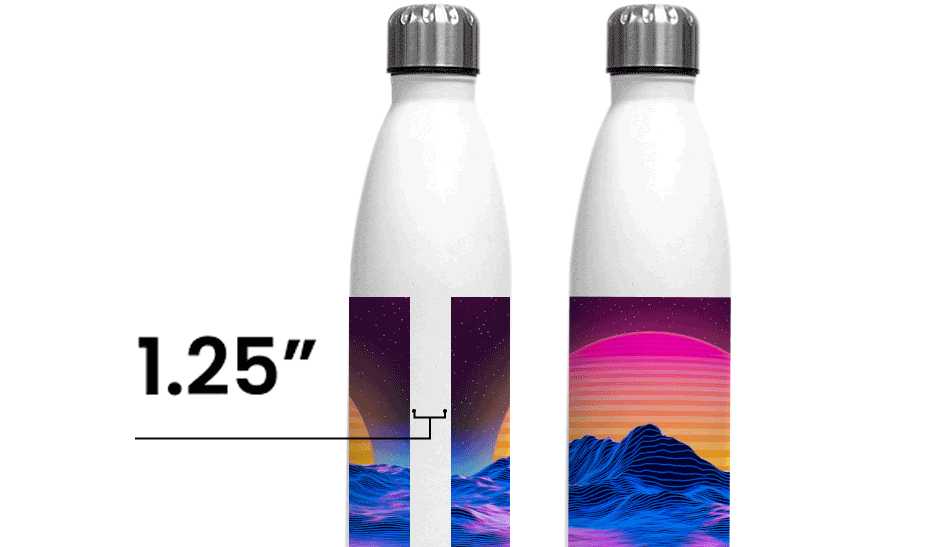
- Artwork will wrap around the bottle with a 1.25" gap between the starting and end points of the artwork after the wrap.
Related products